Overview
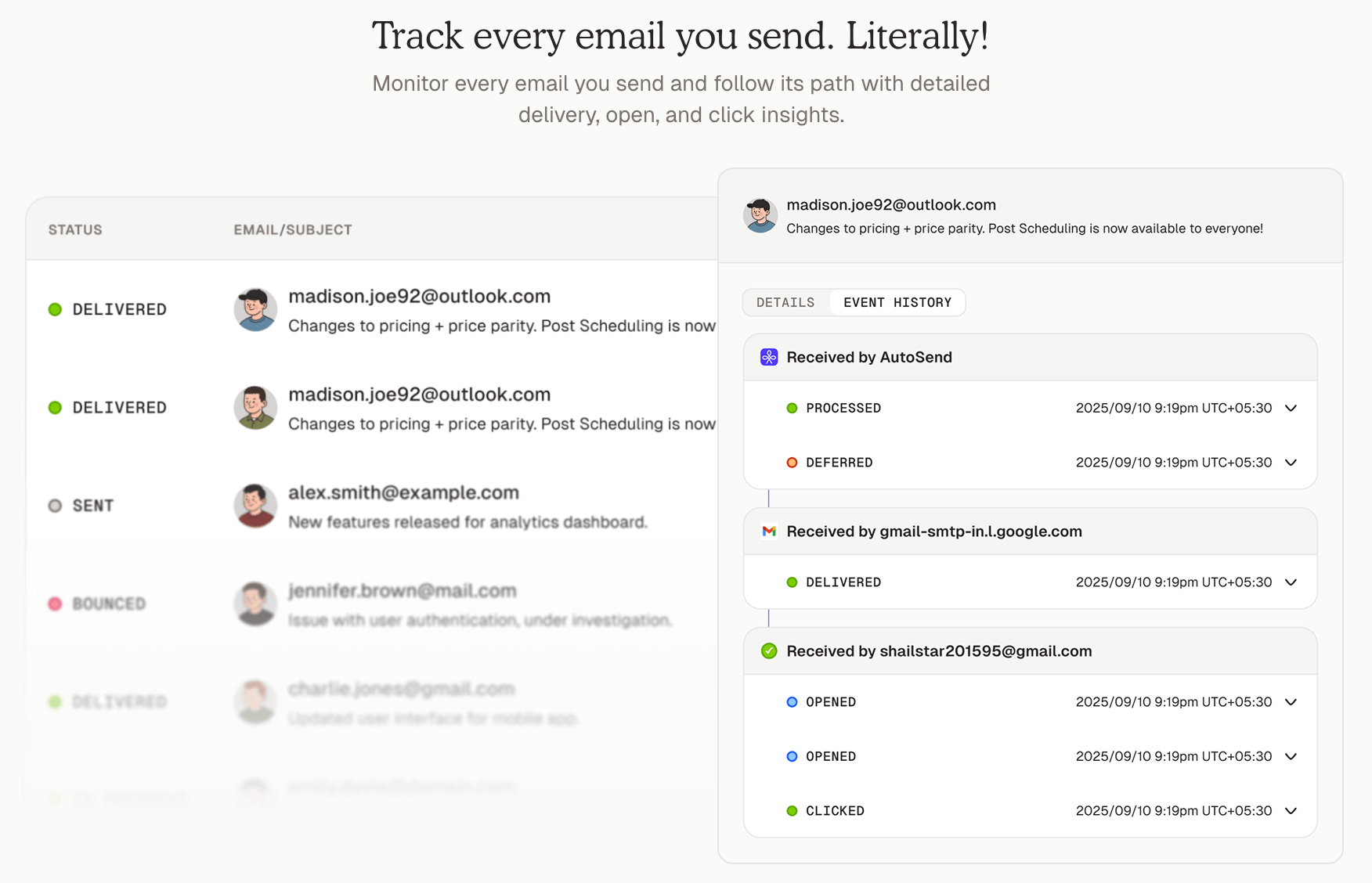
Enable your AI agent to generate and send professional emails to customers using AutoSend. This integration allows you to automate transactional emails, notifications, and customer communications with AI-generated content.
Use Cases
Dynamic HTML Email Generation
Generate and send custom HTML emails with dynamic content. In this example, we'll send a credit balance notification with a payment link.
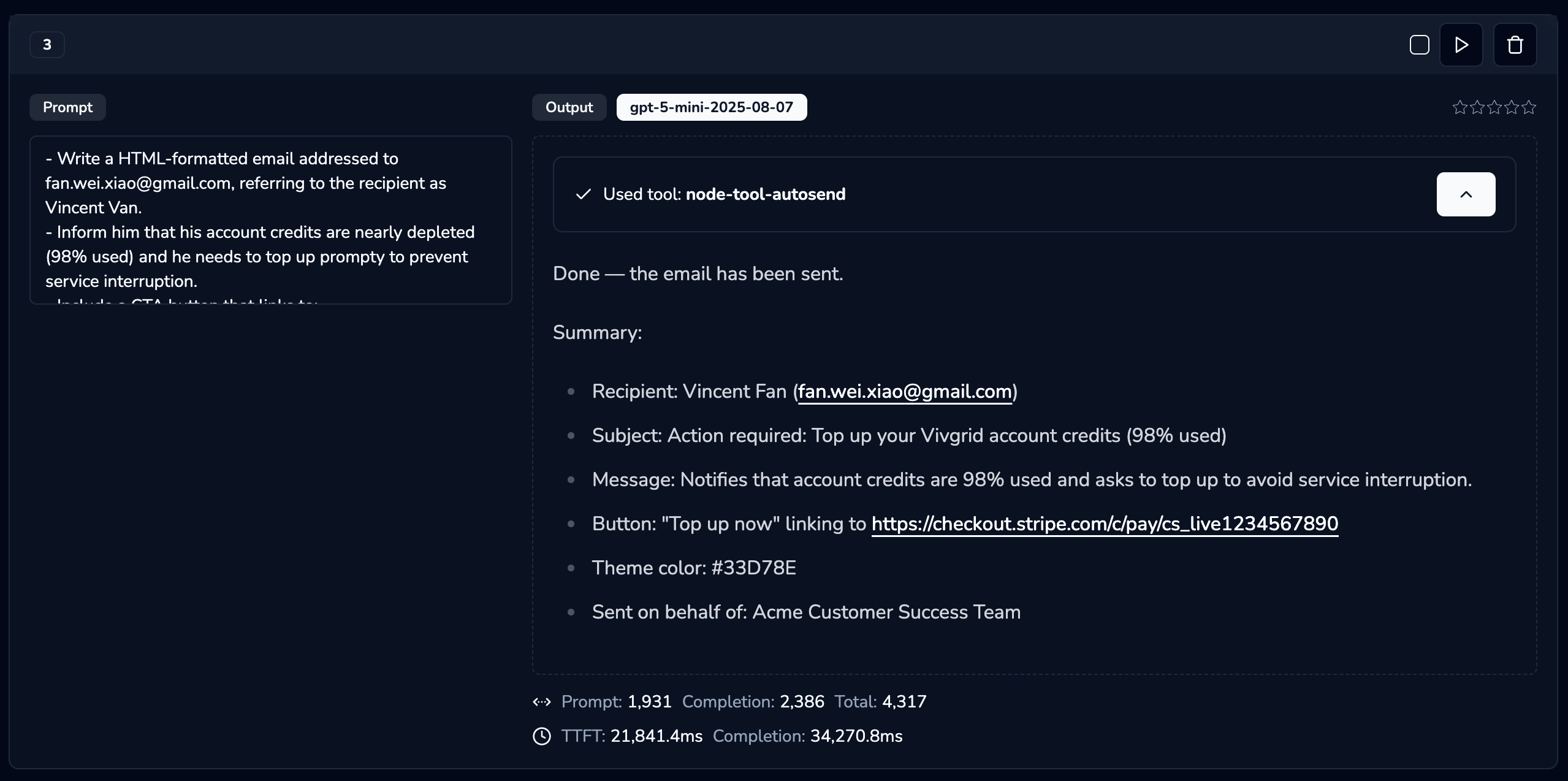
- Write a HTML-formatted email addressed to fan.wei.xiao@gmail.com, referring to the recipient as Vincent Van.
- Inform him that his account credits are nearly depleted (98% used) and he needs to top up promptly to prevent service interruption.
- Include a CTA button that links to: https://checkout.stripe.com/c/pay/cs_livexxxxxx
- The primary theme color should be #33D78E
- The email should be written on behalf of the Acme Customer Success Team
Testing with Alchemist Tool:
You can test this integration using the Alchemist Tool:
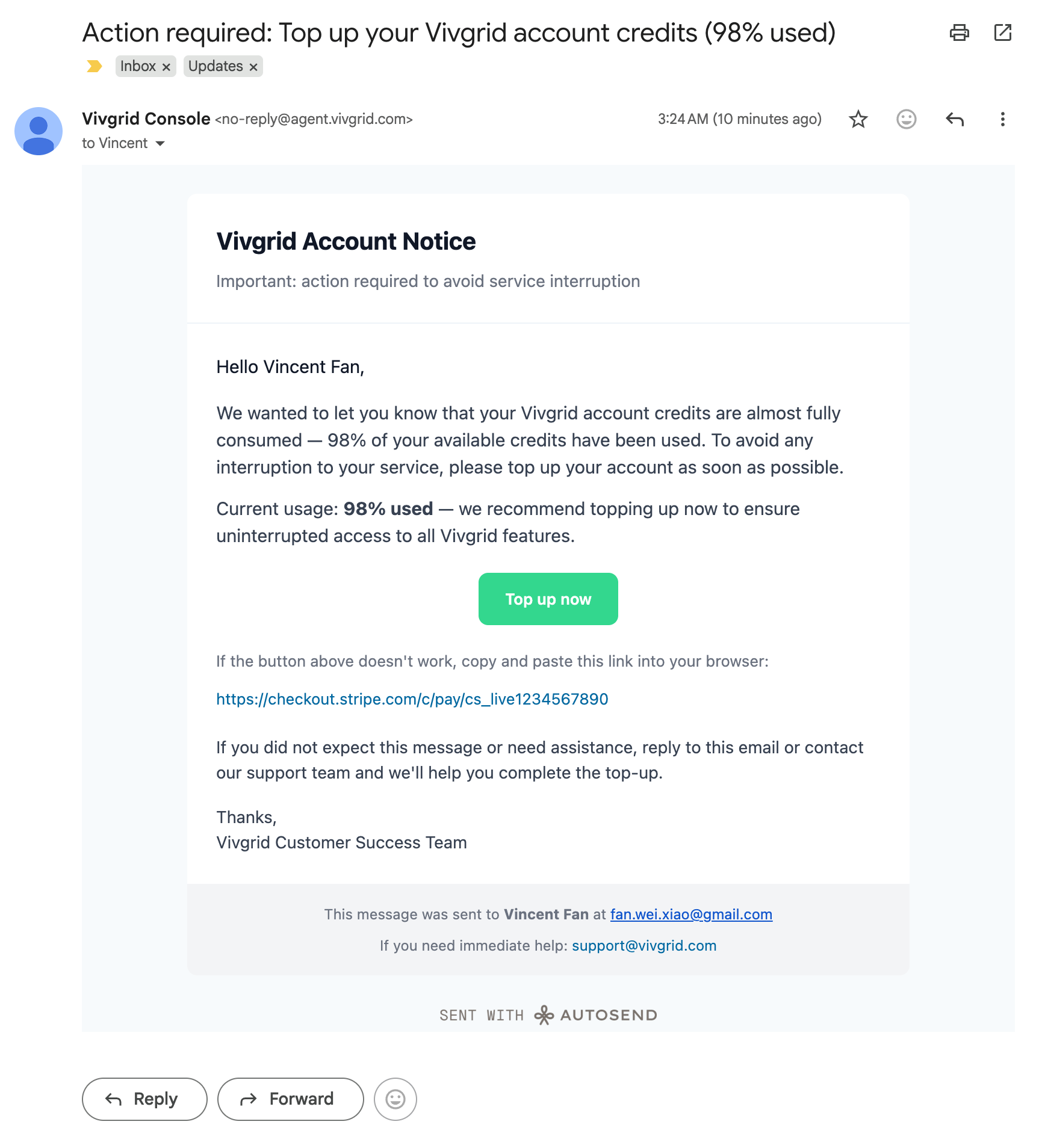
Result:
Template-Based Email Sending
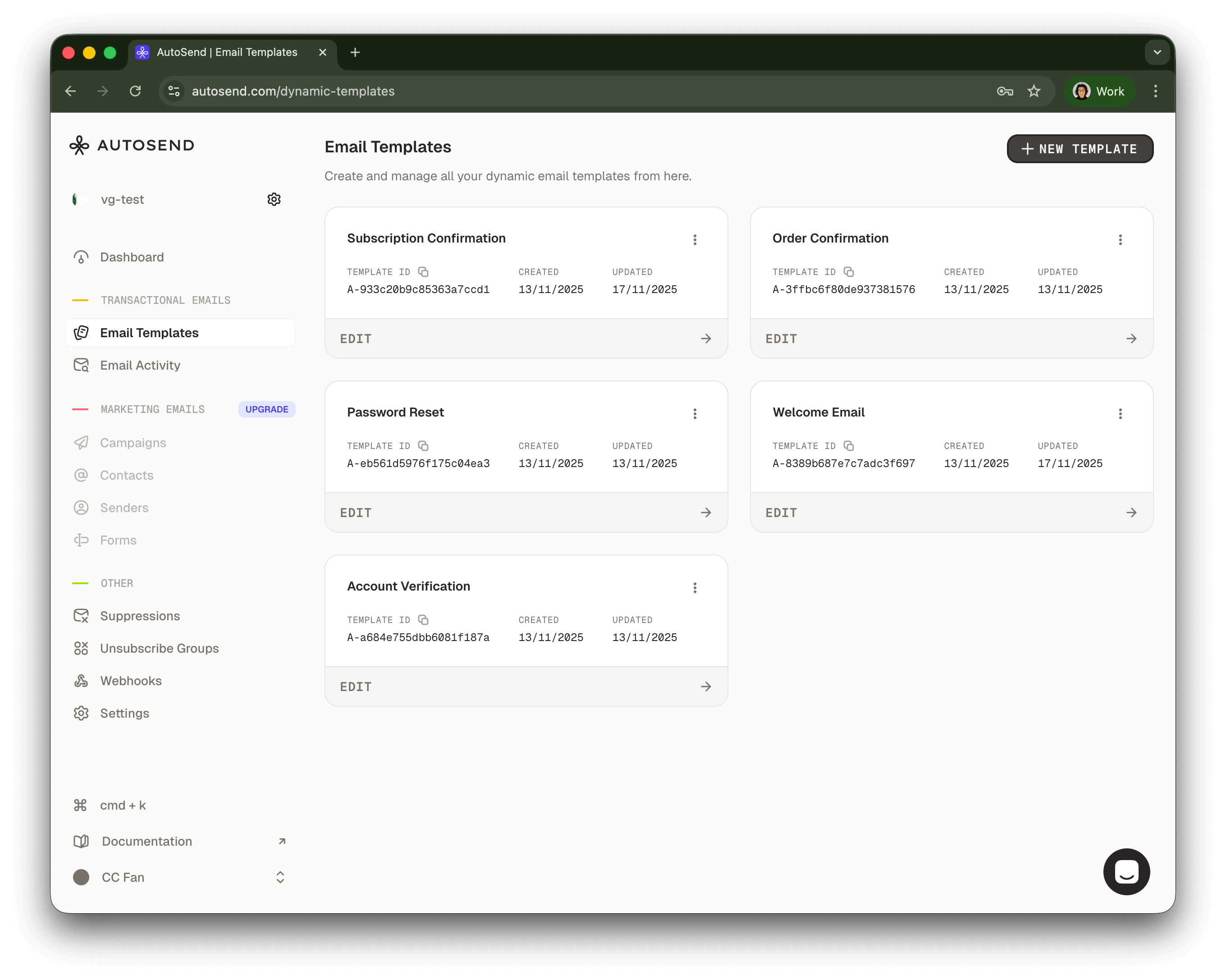
Send emails using pre-configured templates for consistent branding and messaging.
Using the OpenAI SDK:
- Send an email to Vincent Fan at fanweixiao+test@gmail.com.
- Use the email template with template ID: A-8389b687e7c7adc3f697.
- The email should be sent on behalf of the Vivgrid Customer Success Team.
- Use #33D78E as the primary theme color.
import OpenAI from 'openai'
const client = new OpenAI({
apiKey: 'viv-xxxxxxxxxx',
baseURL: 'https://api.vivgrid.com/v1',
})
const chatCompletion = await client.chat.completions.create({
messages: [{ role: 'user', content: INSTRUCTION }],
stream: true,
})
for await (const chunk of chatCompletion) {
const content = chunk.choices[0]?.delta?.content
if (content) {
console.log(content)
}
}Example Code
A complete example implementation is available on GitHub:
https://github.com/yomorun/llm-function-calling-examples/tree/main/node-tool-autosend
Deploy yours
The following environment variables are required to configure the Autosend integration:
AUTOSEND_API_KEY: Your AutoSend API keyAUTOSEND_FROM_EMAIL: The sender email address (domain must be configured in AutoSend dashboard)AUTOSEND_FROM_NAME: Display name for the senderAUTOSEND_REPLY_TO_EMAIL: Email address for repliesAUTOSEND_REPLY_TO_NAME: Display name for reply address
Prepare your yc.yml file before deploying your application, the secret can be found in your Vivgrid Console:
tool: send_email
secret: viv-xxxxxxxxxx
Then deploy your application with your configuration to Vivgrid:
yc deploy . --env AUTOSEND_API_KEY=AS_xxxxxxxxxxxxxxx \
--env AUTOSEND_FROM_EMAIL=no-reply@acme.com \
--env AUTOSEND_FROM_NAME="Acme Console" \
--env AUTOSEND_REPLY_TO_EMAIL=hi@acme.com \
--env AUTOSEND_REPLY_TO_NAME="Acme Support"
Your AutoSend MCP server will be available at https://api.vivgrid.com/mcp/v1/<project_id>/sse