# OpenCode × Vivgrid
> Source: https://vivgrid.com/docs/tutorials/opencode
How to use Vivgrid with gpt-6-astra in OpenCode.ai
## OpenCode
[OpenCode.ai](https://opencode.ai) is an open-source, model-agnostic AI coding agent designed to bring powerful AI assistance directly into developers’ workflows—whether you are working in the terminal, using a desktop application, or inside an IDE extension.
Key features include:
- **Terminal-first, multi-interface design**\
A native terminal UI (TUI), with optional desktop and IDE extensions, allows developers to work in their preferred environment.
- **Context-aware intelligence**\
Language Server Protocol (LSP) integration enables deep understanding of project structure and symbols.
- **Multi-session collaboration**\
Run parallel agent sessions within the same repository and share them for collaborative debugging or review.
- **Privacy-first by design**\
Code and project context are not stored on remote servers, making OpenCode suitable for sensitive or proprietary codebases.
## Configure OpenCode.ai to Use Vivgrid (GPT-6 Astra)
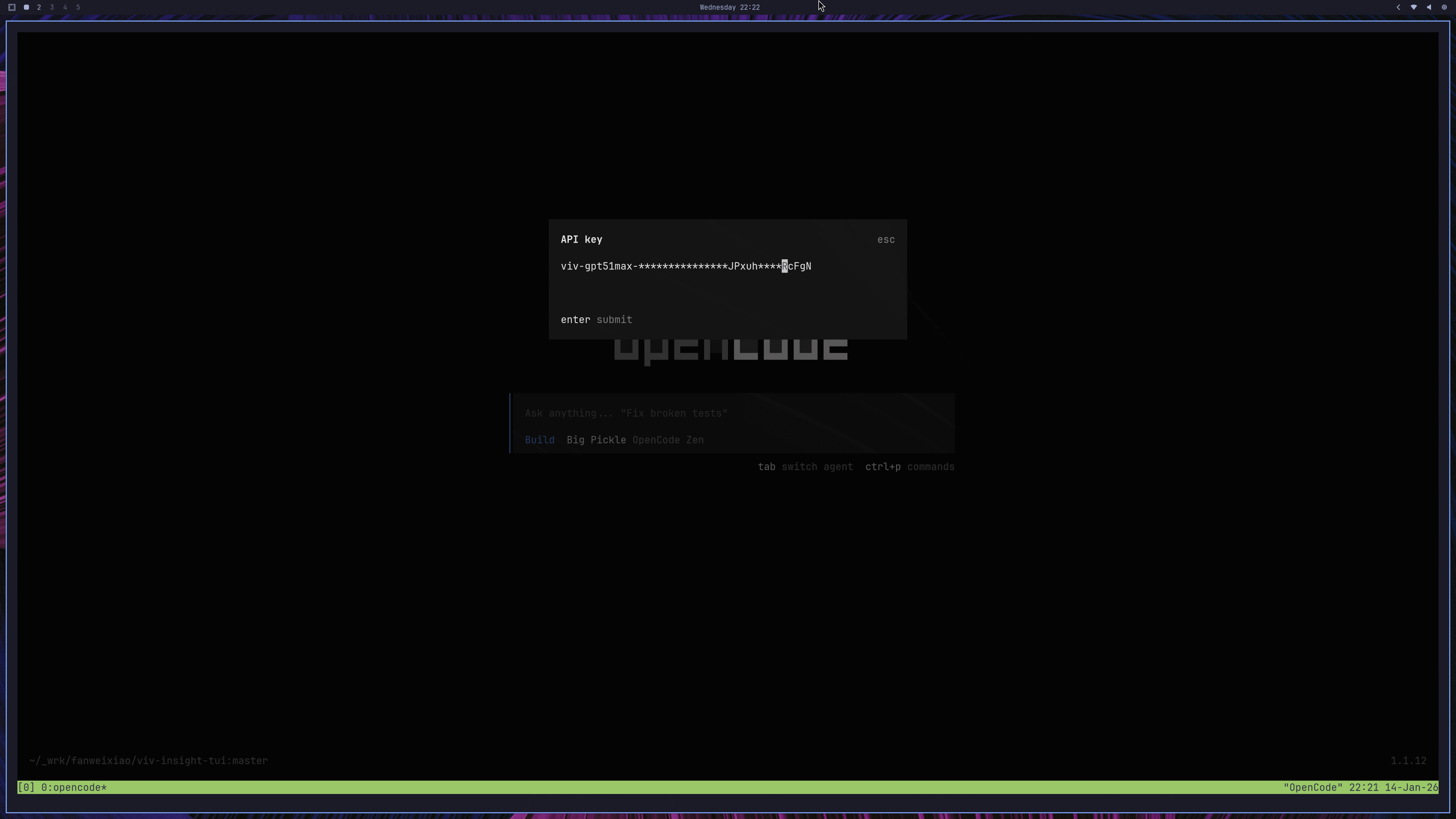
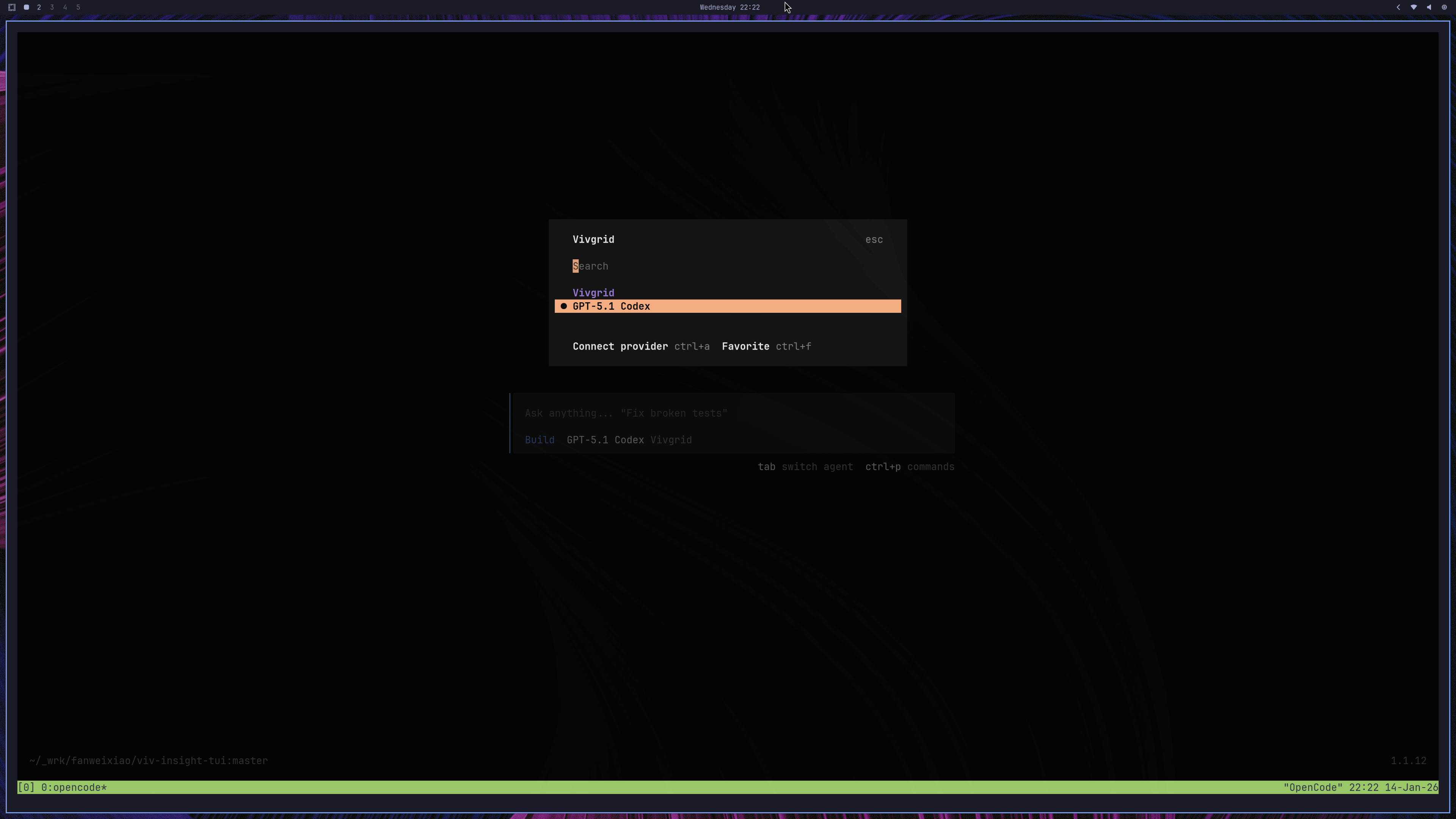
One of OpenCode’s core strengths is its clean separation between **authentication** and **runtime model configuration**. Credentials are configured independently from model selection, allowing you to switch providers or models without changing your workflow.
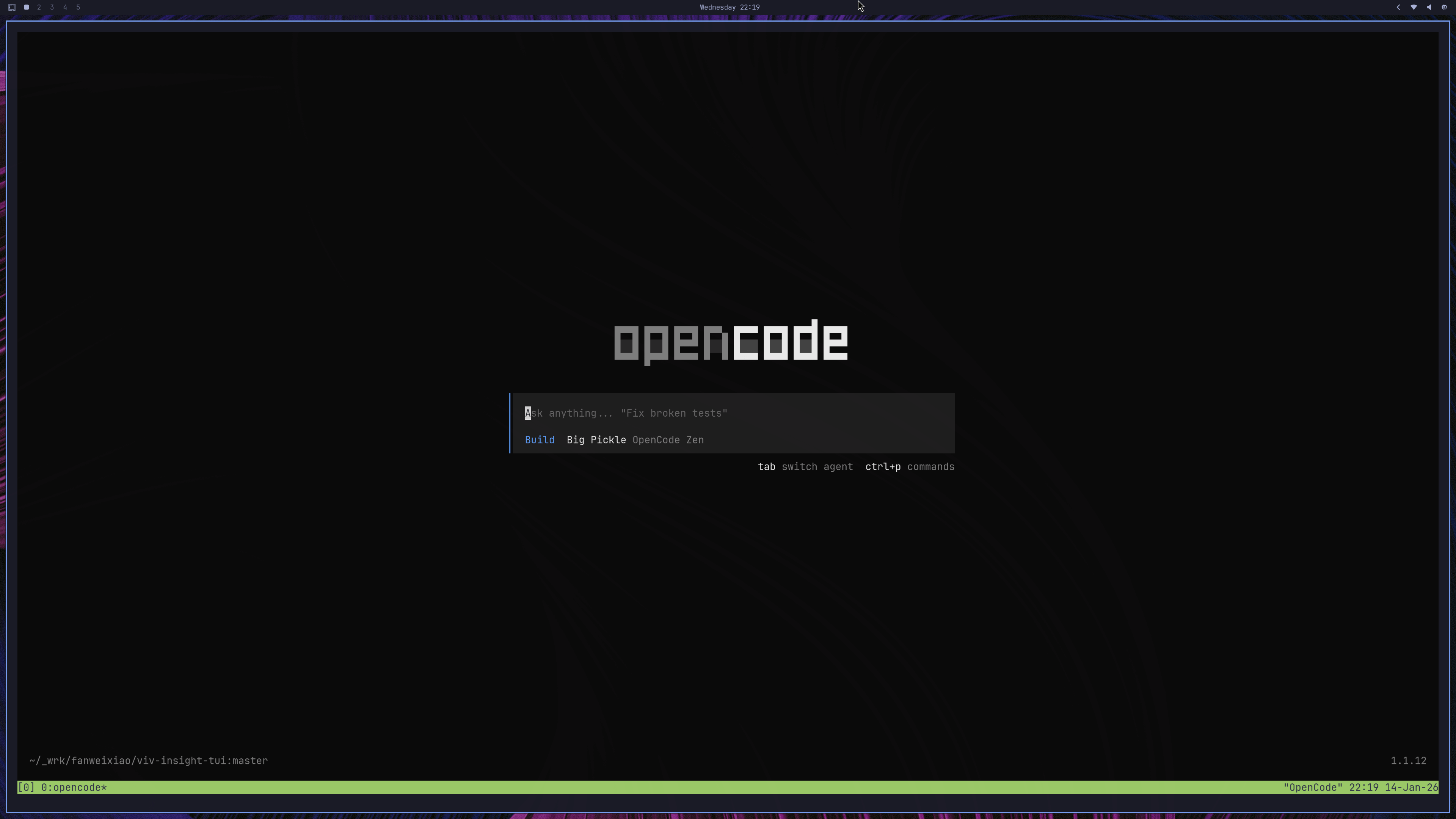
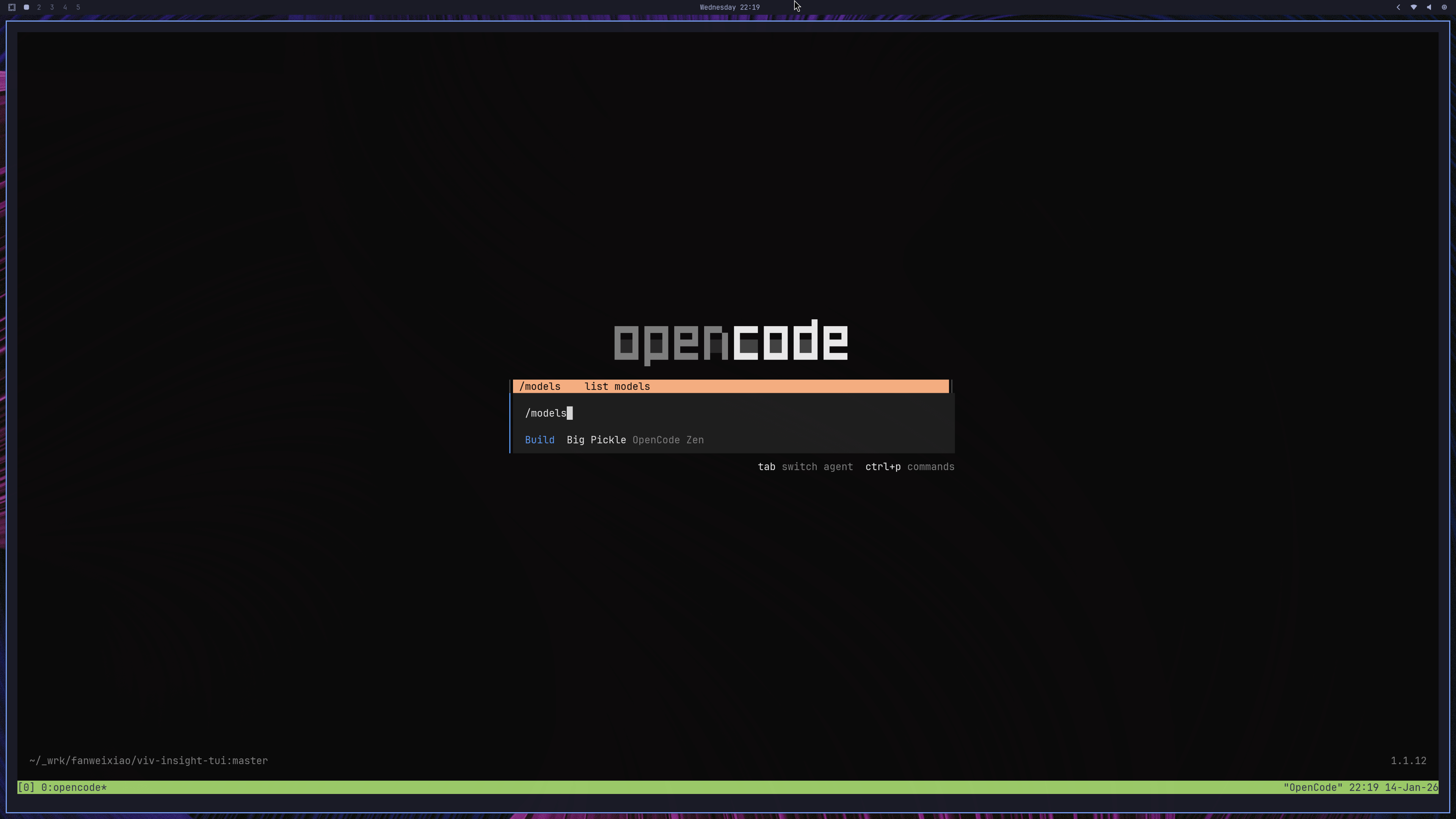
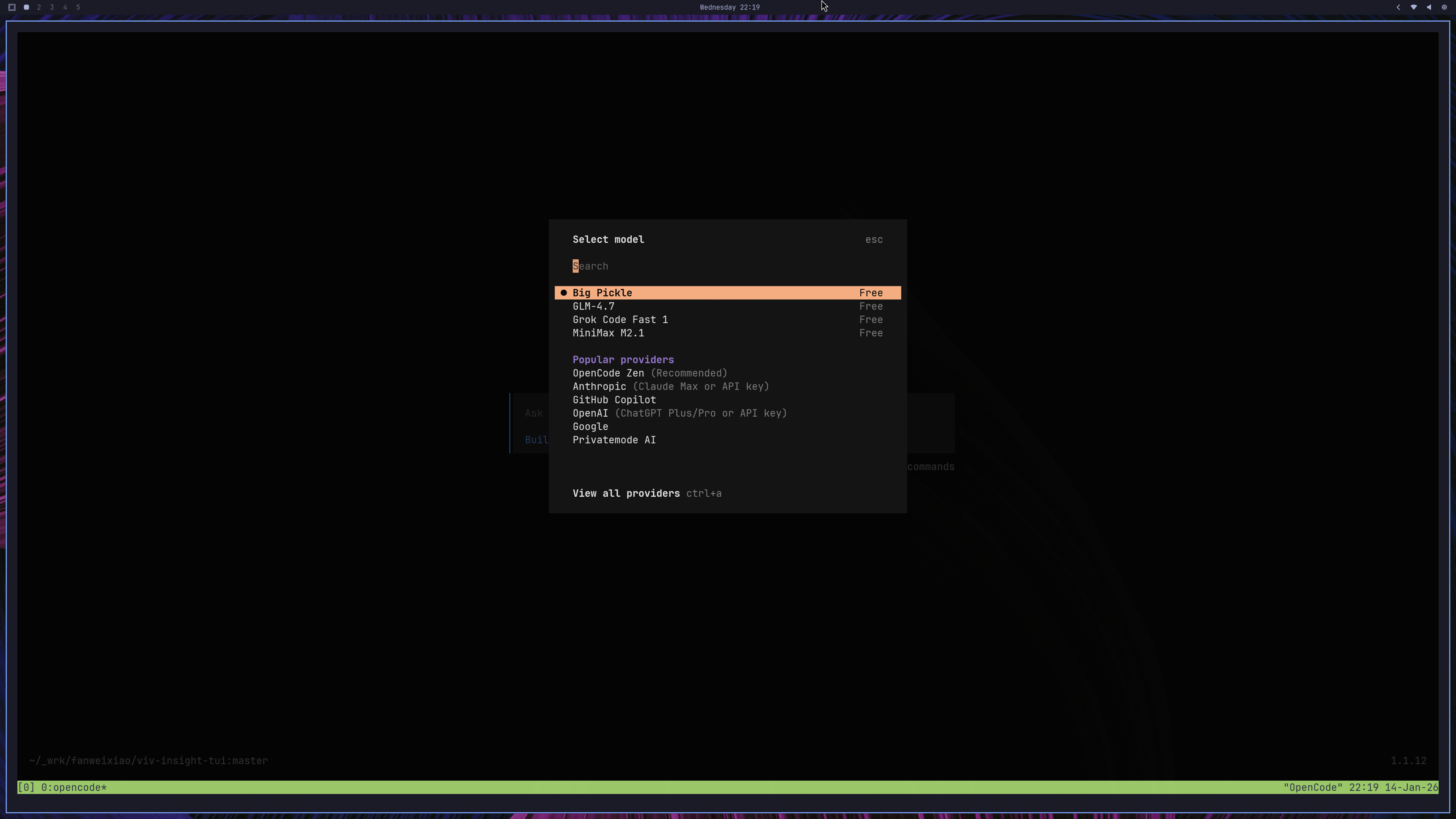
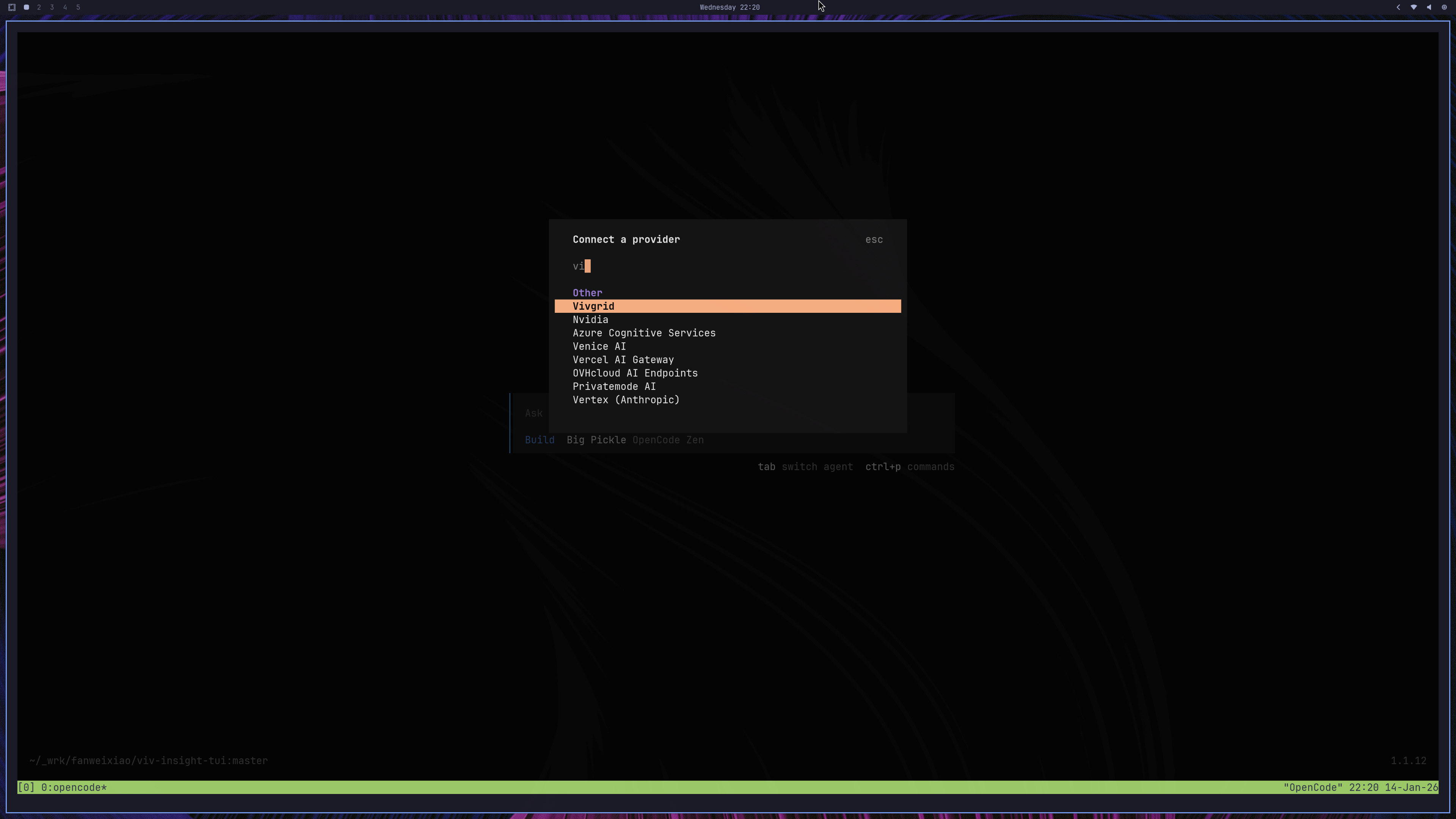
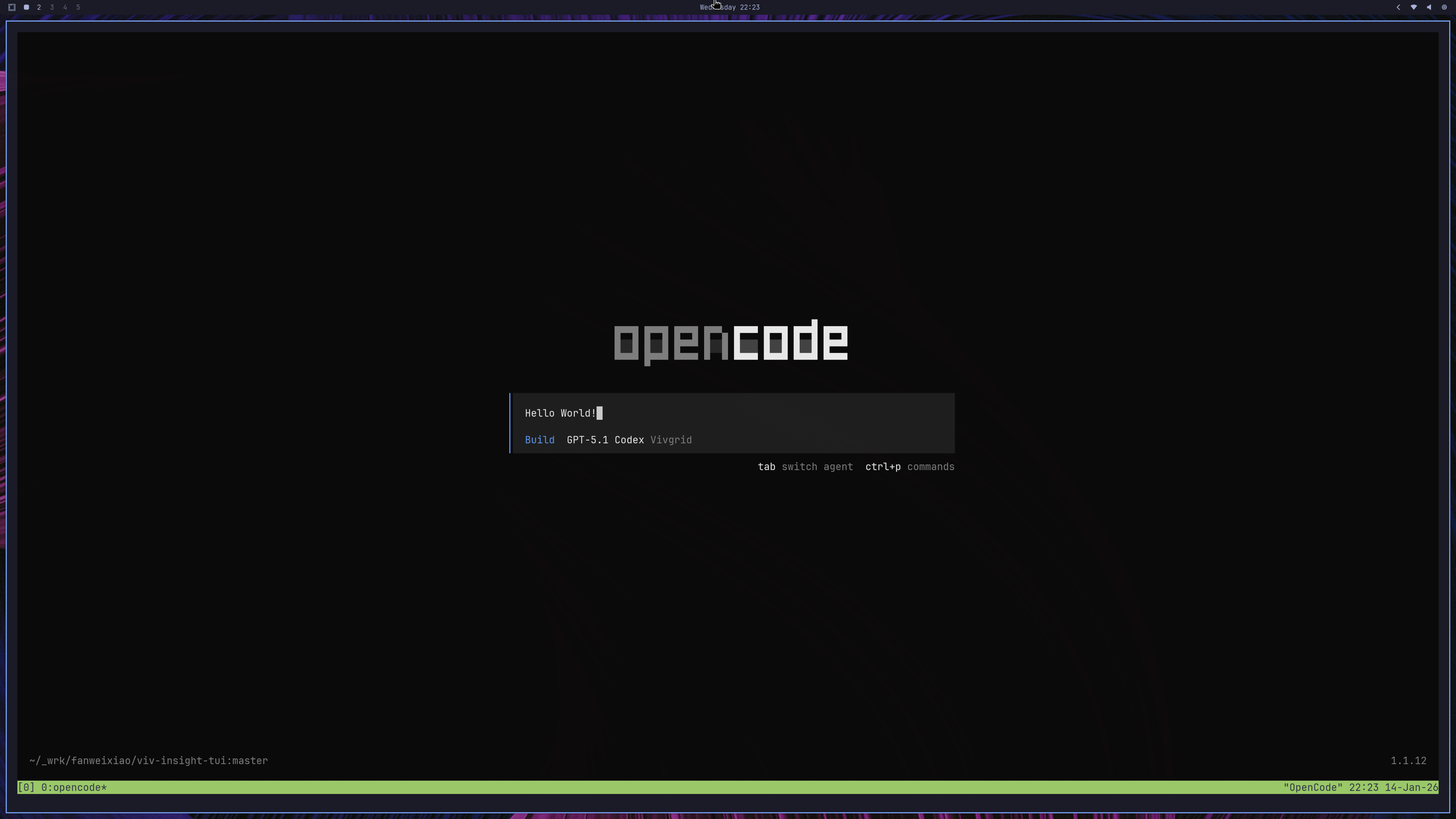
To use [Vivgrid](https://vivgrid.com) as the provider and `gpt-6-astra` as the model, you only need to configure as:
## Debugging
If you encounter issues, enable detailed logs:
```sh
opencode run "hello" --print-logs --log-level DEBUG
```
This will surface provider initialization, model resolution, and API-level errors.
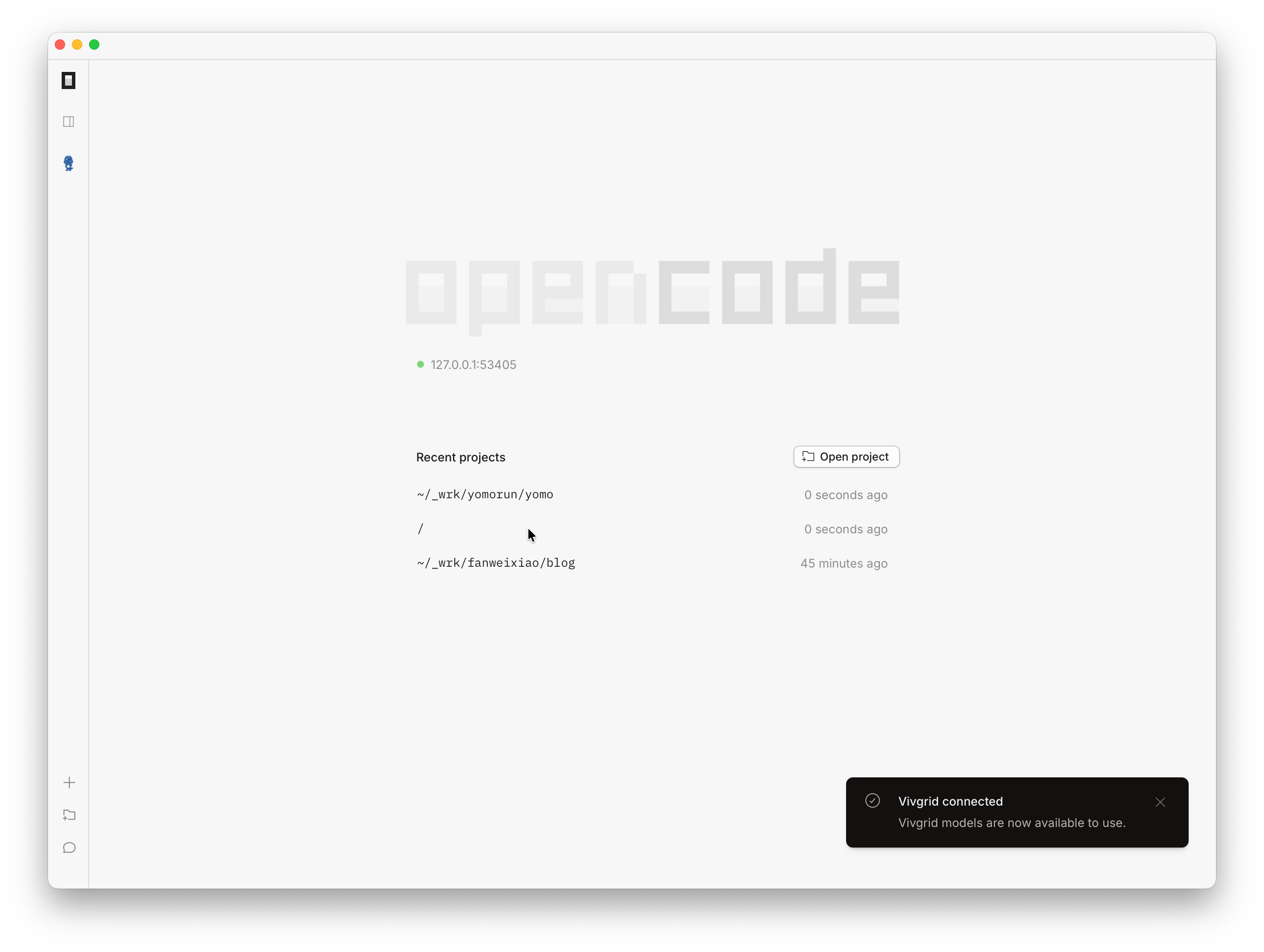
## GUI
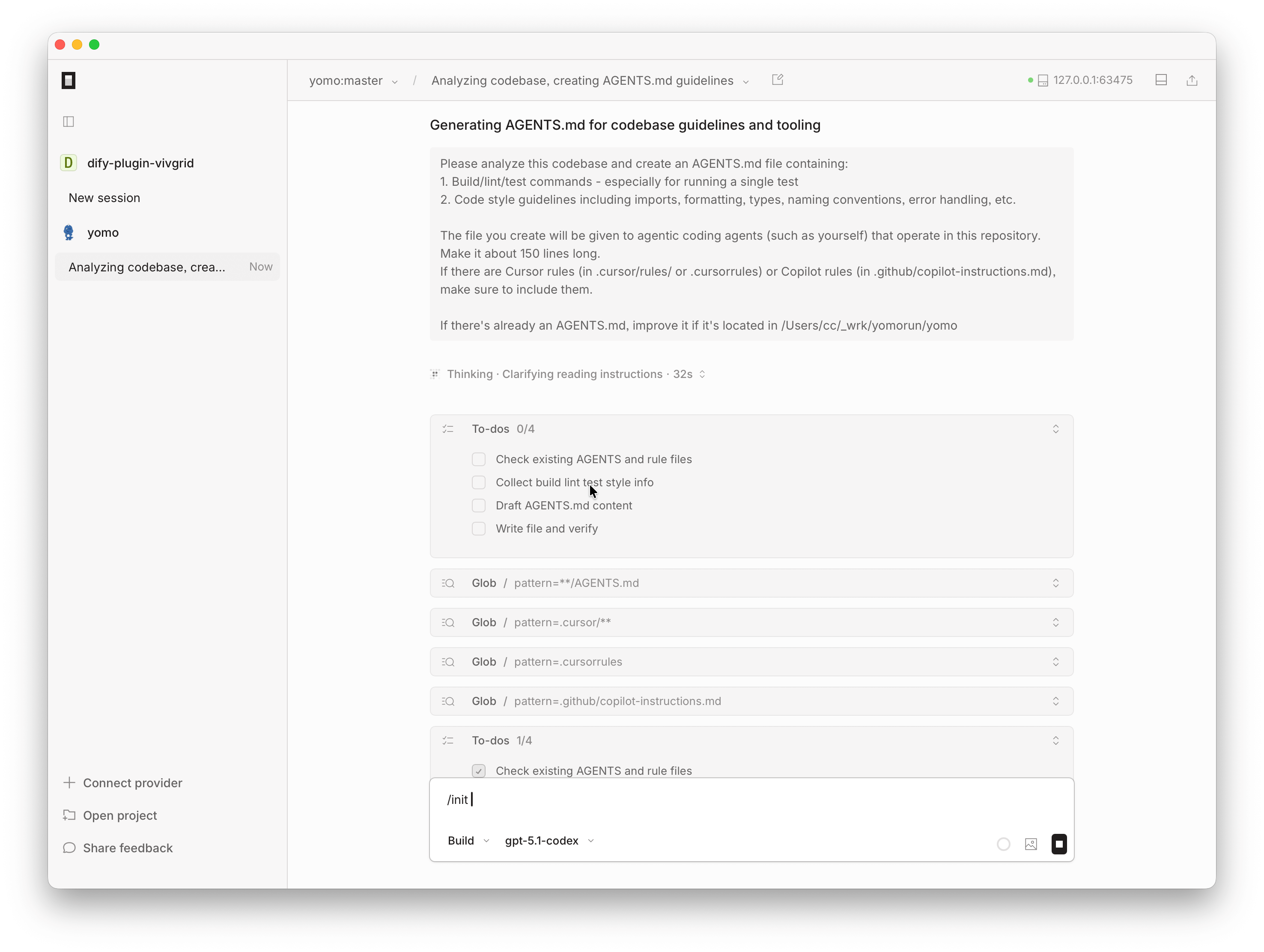
This configuration also works for OpenCode GUI App.
## Summary
With only two small configuration files, [OpenCode](https://opencode.ai) becomes a provider-agnostic AI coding agent, while [Vivgrid](https://vivgrid.com) serves as a drop-in, OpenAI-compatible backend for [GPT-5.5](https://platform.openai.com/docs/models/gpt-5.5).
This clear separation between credential management and runtime configuration is what makes OpenCode especially well-suited for advanced models, custom providers, and production-grade AI coding workflows.